Checkout Drop-Off: How to Find the Exact Step That’s Killing Conversions
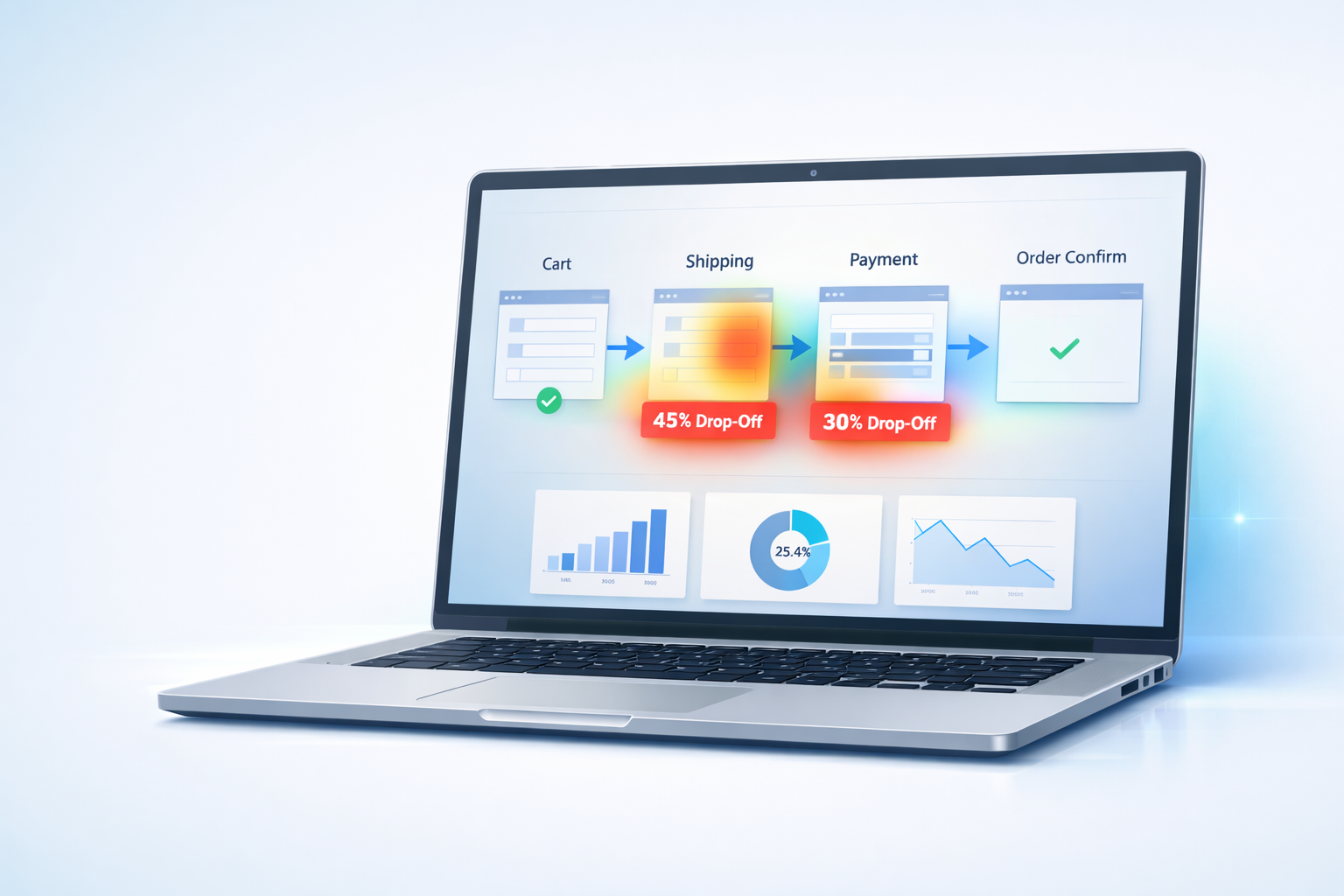
Checkout Drop-Off: How to Find the Exact Step That’s Killing Conversions
Every ecommerce store owner knows the feeling:
Traffic looks healthy.
Products are getting views.
Customers add items to their cart…
…and then they disappear.
Checkout abandonment is one of the biggest hidden revenue leaks in ecommerce. The problem isn’t just that customers leave — it’s that most stores don’t know exactly where or why they leave.
Traditional analytics tell you that users dropped off.
Behavior analytics shows you what actually happened.
This guide walks through how to identify the precise checkout step costing you sales — and how to diagnose the real cause behind it.
Why Checkout Analytics Usually Miss the Problem
Most analytics dashboards show funnel percentages:
- Cart → Checkout
- Checkout → Payment
- Payment → Purchase
Useful? Yes.
Actionable? Not always.
A 42% drop-off at checkout doesn’t tell you whether users:
- couldn’t find the continue button
- hit validation errors
- got surprised by shipping costs
- struggled on mobile keyboards
- encountered payment failures
- rage-clicked something that didn’t work
Numbers show outcomes.
Behavior shows causes.
The 5 Checkout Friction Signals to Look For
When reviewing session replays and interaction data, these patterns almost always correlate with lost revenue.
1. Rage Clicks on Buttons
Repeated rapid clicking usually means users believe something should work — but it doesn’t.
Common examples:
- “Apply Coupon” button unresponsive
- Continue button partially hidden
- Payment option failing silently
If users click the same spot 5–10 times quickly, frustration is already high.
2. Form Field Loops
Watch for users repeatedly editing the same field.
Often caused by:
- unclear error messages
- strict validation rules
- auto-formatting conflicts
- address verification issues
If someone corrects their ZIP code three times, your checkout is fighting them.
3. Sudden Scroll Searching
When users scroll rapidly up and down during checkout, they’re usually trying to find missing information:
- shipping totals
- delivery time
- return policy
- payment confirmation
Confusion equals hesitation — and hesitation kills conversions.
4. Mobile Keyboard Friction
Mobile checkouts fail more often due to tiny usability issues:
- wrong keyboard type (email vs numeric)
- hidden next buttons
- fields obscured by keyboards
- excessive typing requirements
Replay data often reveals mobile struggles invisible in analytics charts.
5. Exit Immediately After Price Changes
One of the most common abandonment triggers:
Unexpected costs appearing late in checkout.
Watch for sessions where users:
- pause after totals update
- scroll repeatedly
- exit within seconds
That moment is your conversion breakpoint.
How to Pinpoint the Exact Drop-Off Step
Instead of guessing, follow this workflow:
- Identify the checkout step with highest abandonment.
- Filter sessions reaching that step.
- Watch 10–20 replays (patterns emerge quickly).
- Tag repeating behaviors.
- Fix the pattern, not individual sessions.
You’re not looking for isolated mistakes — you’re looking for systemic friction.
Turning Insight Into Action
Finding problems is only half the job.
Once friction is identified, teams typically need to:
- create developer tasks
- adjust UI copy
- simplify forms
- test layout changes
- prioritize fixes based on impact
Behavior analytics reveals where users struggle.
Execution turns those insights into revenue improvements.
(We’ll cover practical workflows for moving from insight → implementation in an upcoming guide.)
A Simple Starting Checklist
Review your checkout recordings and ask:
- Where do users hesitate longest?
- Where do repeated clicks occur?
- Which step creates confusion?
- Do mobile users behave differently?
- What changes immediately precede exits?
If you can answer those questions clearly, you’re already ahead of most ecommerce stores.
Final Thought
Checkout optimization isn’t about guessing what users want.
It’s about watching real behavior and removing the obstacles standing between intent and purchase.
Small friction points compound quickly — but so do small improvements.
Fix the right step, and conversion gains often follow faster than expected.
Run Spyglass360 on your store and identify your biggest checkout friction points this week — before more revenue slips away.