Payment Failures: How to Reproduce “It Won’t Let Me Pay” Bugs Using Session Replay
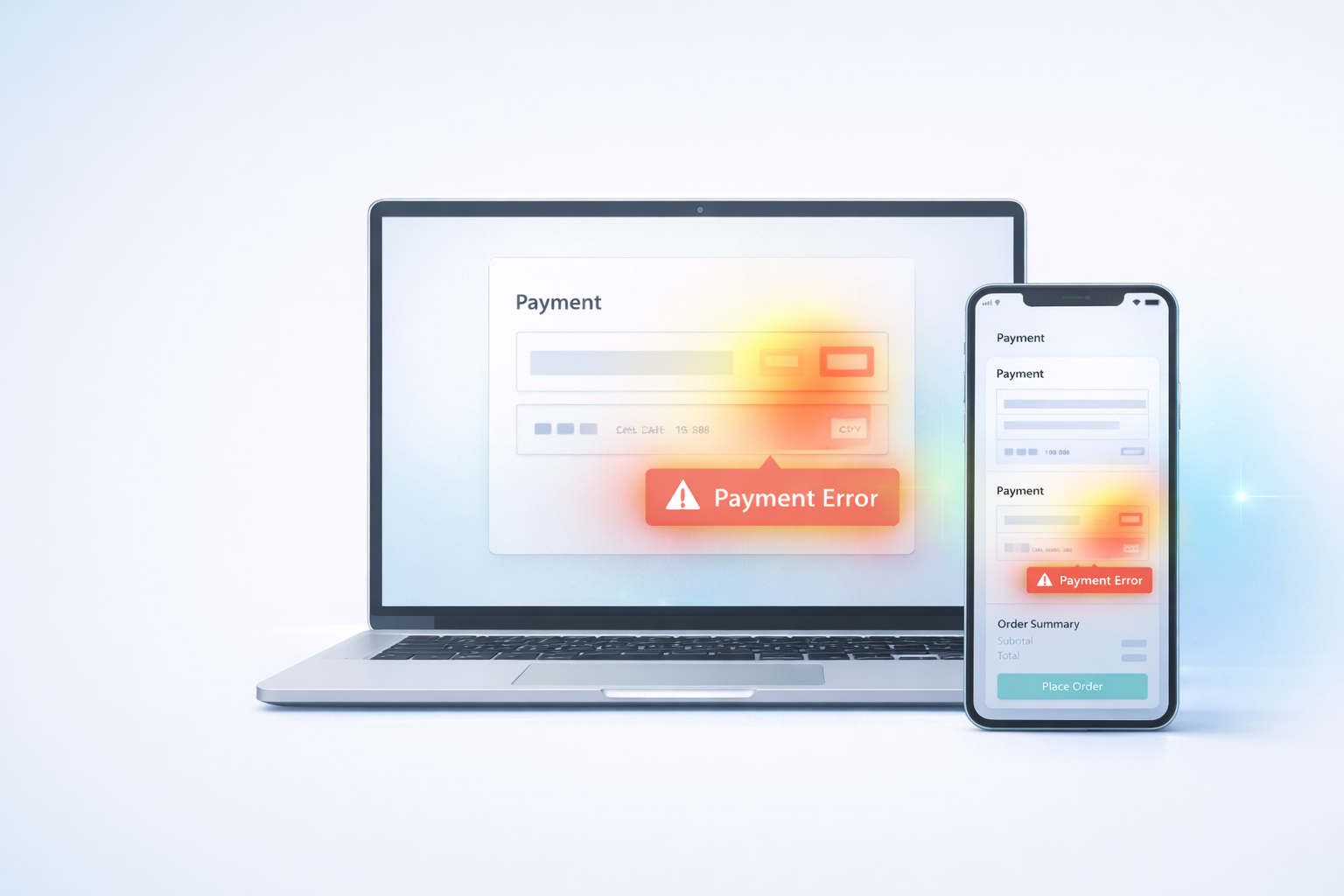
Payment Failures: How to Reproduce “It Won’t Let Me Pay” Bugs Using Session Replay
Few ecommerce problems are more damaging than payment failures.
When a customer reaches the payment step, intent is high. They’ve:
- Chosen products
- Entered shipping details
- Reviewed totals
If payment fails at that moment, the store doesn’t just lose revenue — it risks losing trust.
The frustrating part? Many payment bugs are hard to reproduce.
Customers report:
“It wouldn’t let me pay.”
But developers can’t replicate the issue.
This is where behavioral replay becomes critical.
Why Payment Failures Are Difficult to Diagnose
Payment systems involve multiple moving parts:
- Payment gateway APIs
- Tokenization
- Fraud checks
- 3D secure flows
- Browser/device differences
- Mobile wallet integrations
A bug might only appear:
- On a specific device
- With a certain card type
- After a validation error
- When autofill triggers
- When network latency spikes
Traditional analytics can show a drop-off at the payment step.
But they won’t show what happened before it.
6 Common Payment Failure Patterns
When reviewing session replays, these patterns frequently appear before abandonment.
1. Repeated “Submit Payment” Clicks
Users click “Pay Now” multiple times.
Possible causes:
- Delayed response
- Button visually active but functionally blocked
- Missing loading indicator
- Hidden validation error
(Repeated clicks are often rage-click signals — see our rage-click analysis guide.)
2. Silent Form Validation Errors
Fields fail validation, but users can’t see why.
Common issues:
- Card number formatting problems
- ZIP/postcode mismatch
- Required field not clearly marked
Users re-enter data repeatedly, then exit.
3. Payment Gateway Redirect Confusion
During 3D secure or external redirect:
- Layout shifts unexpectedly
- Page reloads without context
- User loses sense of progress
Without clear feedback, users assume failure.
4. Autofill Conflicts
Browsers autofill:
- Name fields incorrectly
- Expiration date formats improperly
- Address fields mismatched
Autofill saves time — unless it breaks validation logic.
5. Mobile Wallet Failures
Apple Pay / Google Pay flows can fail when:
- Merchant configuration is incorrect
- Button appears but isn’t fully enabled
- Device compatibility varies
These failures are often device-specific.
6. Payment Step Pauses Followed by Exit
Users pause for 10–20 seconds after clicking submit.
Then they leave.
This often indicates:
- Slow gateway response
- Unclear loading state
- Fear of duplicate charge
Visible confirmation feedback matters.
How to Reproduce the “Unreproducible”
Instead of relying solely on user reports:
- Filter sessions that reached payment but did not convert.
- Identify device/browser patterns.
- Watch full session leading into payment.
- Note error messages, UI shifts, or repeated attempts.
- Cross-reference timestamps with server or gateway logs.
Session replay narrows the reproduction window dramatically.
Instead of guessing, you see exactly what the user saw.
Connecting Payment Issues to Checkout Drop-Off
If your highest abandonment step is payment, diagnosing behavior before exit is critical.
Start by identifying which checkout stage shows the largest drop-off.
👉 Link to your Checkout Drop-Off guide.
Then review rage-click activity at that stage.
👉 Link to your Rage Clicks post.
Payment friction often overlaps with both.
Why Fixing Payment Friction Has Outsized Impact
Improvements at the payment stage:
- Affect high-intent users
- Require minimal marketing changes
- Produce measurable conversion lifts
Small changes like:
- Clear loading indicators
- Better validation messaging
- Improved mobile layout
- Gateway timeout handling
can significantly increase completed orders.
Final Thought
When customers say, “It wouldn’t let me pay,” they’re describing the symptom.
Behavioral replay reveals the cause.
When you see the exact sequence leading to failure, resolution becomes faster — and revenue loss becomes preventable.
Use Spyglass360 to identify and reproduce payment failures before they silently erode your checkout performance.