Rage Clicks Explained: What They Reveal on Product and Checkout Pages
Not all frustration is visible in analytics dashboards.
But users tell you exactly when something is broken — through their behavior.
One of the clearest frustration signals in ecommerce is the rage click.
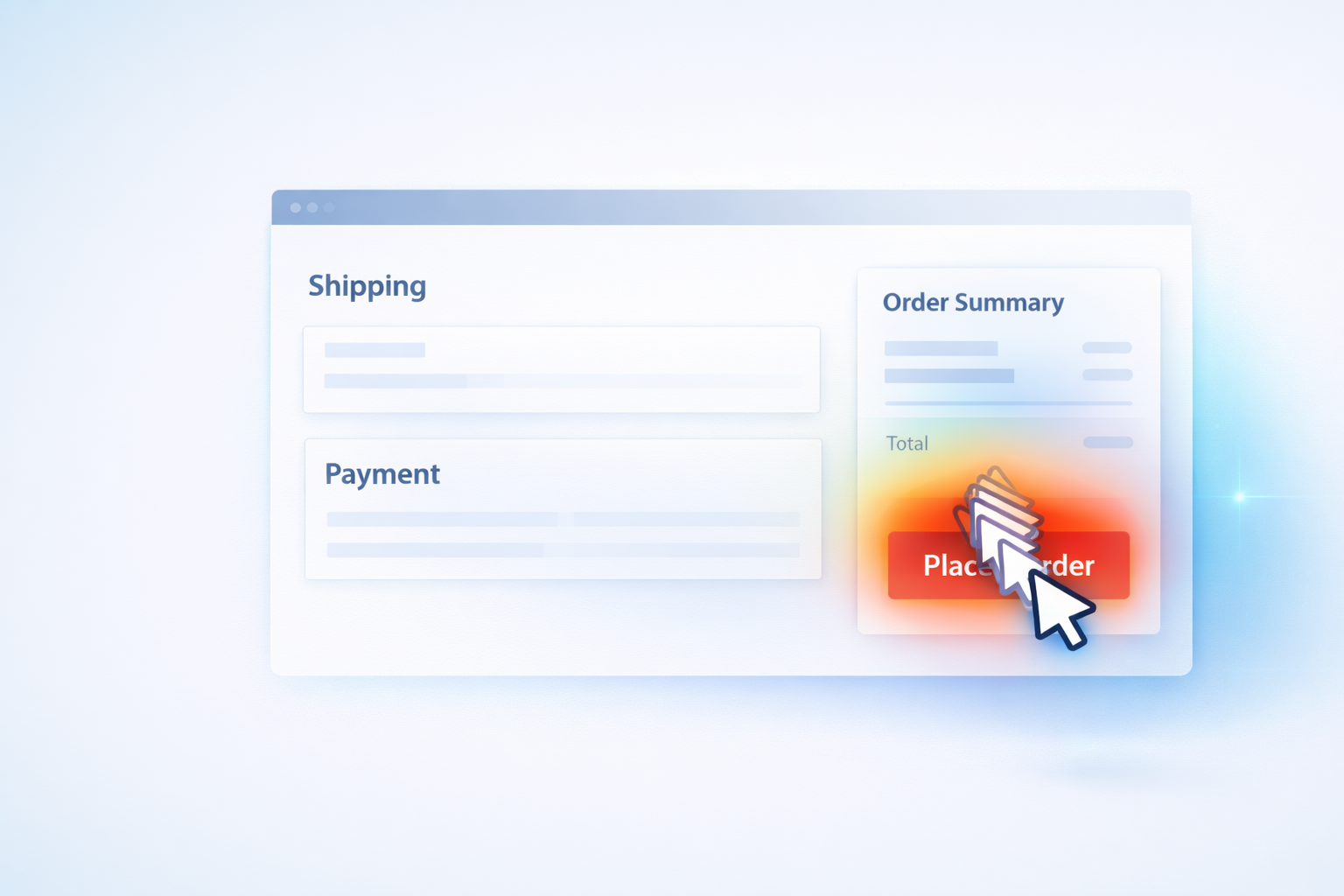
Rage clicks happen when a user rapidly clicks the same area multiple times in quick succession. It’s a silent signal that something isn’t working the way they expect.
And on ecommerce sites, rage clicks almost always correlate with lost revenue.
What Is a Rage Click?
A rage click is typically defined as:
- 3–10 rapid clicks
- In the same location
- Within a short time window
It indicates one of three things:
- A broken element
- A delayed response
- A confusing interface
Unlike bounce rate, rage clicks show you the exact moment frustration spikes.
Where Rage Clicks Cost Ecommerce Stores the Most
1. “Apply Coupon” Buttons
This is one of the most common rage-click zones.
Common causes:
- Coupon field doesn’t visibly update
- Button lacks loading state
- Invalid code errors aren’t clear
- Button is partially covered on mobile
Customers don’t just leave — they leave annoyed.
2. Disabled or Hidden Continue Buttons
Sometimes the “Continue to Payment” button is:
- Below the fold
- Disabled without explanation
- Visually active but functionally blocked
Users click repeatedly, expecting progress.
Instead, they hit friction.
3. Product Variant Selectors
On product pages:
- Size selectors not clearly clickable
- Out-of-stock states poorly labeled
- Required fields not obvious
Users rage-click thinking the site is unresponsive.
4. Mobile Checkout Elements
On smaller screens:
- Buttons overlap
- Taps misregister
- Sticky elements block interactions
Mobile rage clicks often point to responsive design flaws.
Why Traditional Analytics Miss This
Standard analytics will show:
- Drop-off rates
- Session duration
- Bounce rate
But they won’t show:
- Where users repeatedly clicked
- Which button failed to respond
- How long users hesitated before giving up
Behavior analytics reveals the moment expectation breaks.
How to Investigate Rage Clicks Properly
A simple workflow:
- Filter sessions with rage-click indicators.
- Identify the most frequent click coordinates.
- Watch 10–20 replays from that cluster.
- Look for UI or state inconsistencies.
- Fix the root issue.
Patterns appear quickly when reviewing multiple sessions.
Rage Clicks and Checkout Drop-Off
If you haven’t already, start by identifying your highest checkout abandonment step.
Then review rage-click activity specifically at that stage.
Frustration during checkout almost always aligns with revenue loss.
(If you want a structured approach to diagnosing checkout step failures, see our guide on identifying the exact drop-off point.)
👉 Internal link here to your first checkout post.
What a Single Fix Can Do
Ecommerce optimization isn’t always about redesigning entire flows.
Sometimes it’s:
- Adding a loading spinner
- Improving an error message
- Making a disabled state clearer
- Adjusting mobile spacing
Small clarity improvements often produce measurable conversion gains.
Final Thought
Users don’t rage-click because they’re impatient.
They rage-click because something violated their expectation.
When you identify those moments and remove the friction, checkout becomes smoother — and revenue follows.
Run Spyglass360 and identify where frustration is silently killing conversions on your product and checkout pages.